
Match your remote working style.
Users can share fax documents between home and office. For example, you can check fax documents sent to the office by a client from home, and also send a fax document from home to a client via a Kyocera MFP* using the KYOCERA Client Tool. Also, in order to enable companies to compensate remote workers for their printing costs, copy/print/scan counters can be saved on user PCs.
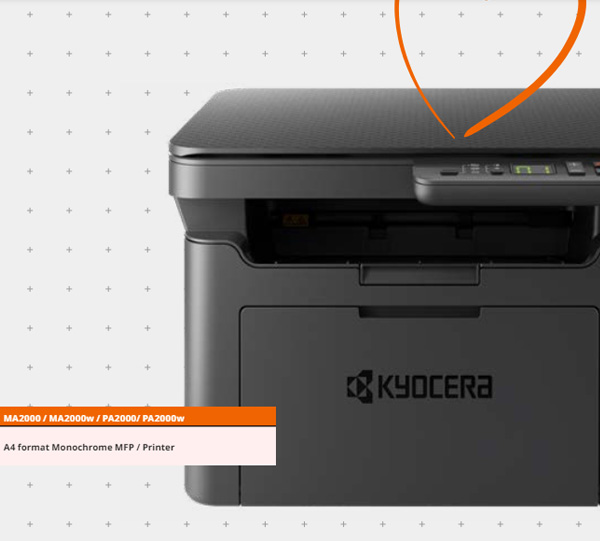
MA 2000
Specifications
| Model Name | MA2000 | MA2000w |
| Type | Desktop | - |
| Print Speed (A4) | 20ppm | - |
| irst Print Time | 8.0 sec or less | - |
| Print Resolution | Fast 1200 dpi, 600 dpi | - |
| Automatic Duplex | None | - |
| Power Source | AC 220 - 240 V, 50/60 Hz | - |
| Output Capacity | Max. 50 sheets face-down | - |
| Copy Speed (A4) | 20 pages per minute | - |
| Original Size | Maximum A4 (Legal) - Minimum A5 | - |
Paper Capacity (80 g/m2)
By accessing the online download center, users can view a video introducing the setup procedure and easily download necessary tools such as the driver, utility and installer.
Furthermore, when there is a paper jam or the device runs out of paper during usage, the KYOCERA Client Tool displays popup messages to guide users to online videos which show solutions to these issues. Using the QR code displayed on the surface, users can quickly access these videos with their smartphones.
